Automate sales, simplify CRM processes.
Sales teams maintain CRM data by hand, between meetings and quotes. Workflows automate those sales processes and free up time for direct customer contact.
Where workflow automation comes in.

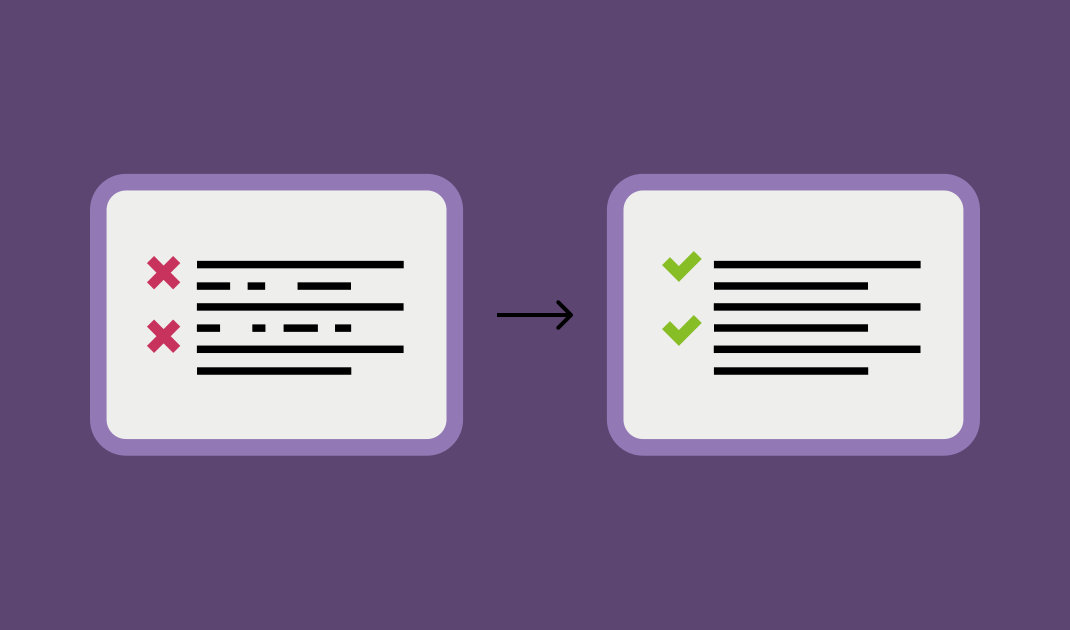
Today: many small steps still run by hand.
Small steps get stuck in day-to-day CRM work: new contacts arrive week after week, and there is no time to check them by hand. According to Salesforce State of Sales sales reps spend more than 60% of their working time on tasks other than selling.
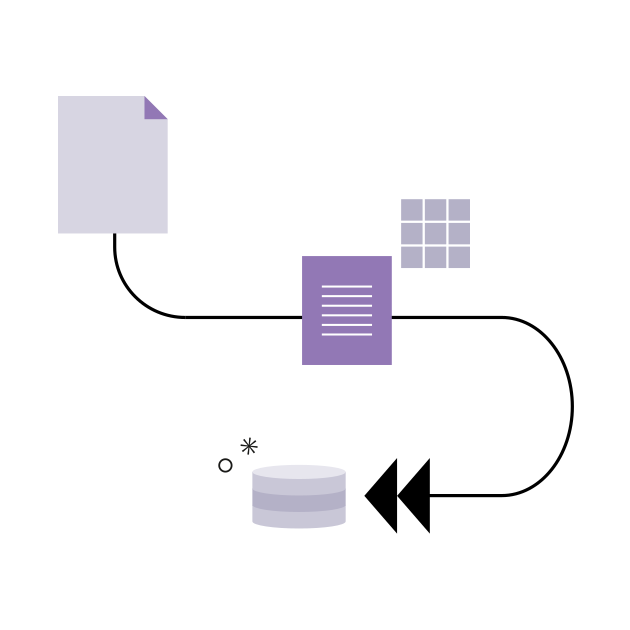
Tomorrow: processes run automatically, driven by workflows.
Workflows can take over the processes you handle manually today, triggered by a single event or running continuously in the background. The examples below show what that looks like in practice.
Read more about why sales teams are drowning in manual data maintenance, and what solves it.
What workflow automation looks like in practice.
Four examples from everyday sales work show what workflow automation can look like.
Correcting sensitive data.
Before: changes to a phone number or email address are either accepted without review or left untouched out of caution.
After: the workflow updates non-critical fields automatically, while sensitive fields land in your inbox for a quick review before they are written to the CRM.

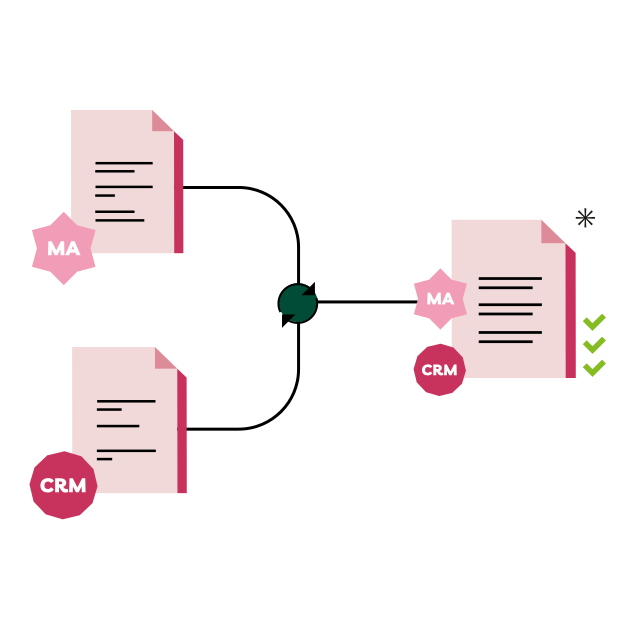
Syncing CRM and marketing automation.
Before: a new lead from the web form lands in the CRM but not automatically in the marketing automation tool, or the other way around. Sales and marketing end up working from different data.
After: the workflow creates or updates the contact in both systems according to fixed rules, so CRM and marketing automation stay in sync.
Duplicate check during data import.
Before: duplicates creep back in with every campaign and every import, and cleanup happens once a year at best.
After: as soon as a new contact arrives, the workflow matches it against your existing CRM data and flags duplicates right at import.
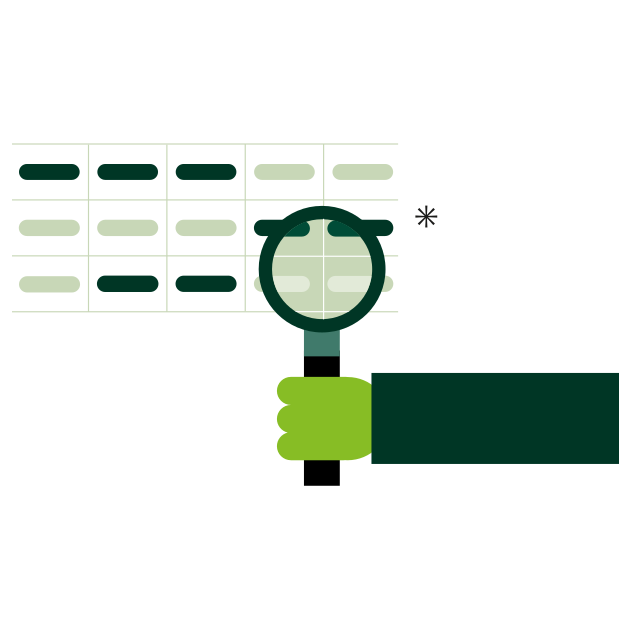
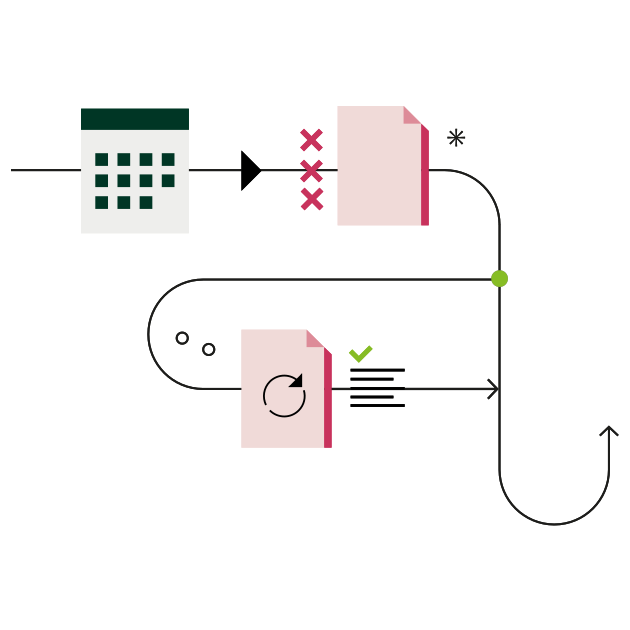
Continuous updates across your contact base.
Before: existing CRM contacts only get updated when a new email or import happens to come in, and the rest of the base goes stale unnoticed.
After: a continuous workflow works through your entire contact base automatically at regular intervals, matches it against external sources and decides by fixed rules whether to update a record or flag it for review.
The platform behind it: DataAgents.
DataAgents builds these workflows from individual nodes that you can combine freely. Alongside a large library of ready-made use cases, every workflow can also be built to your own specification. CRM mapping makes sure each piece of data ends up in the right CRM field.
The examples above point to two distinct kinds of workflow.

Event-based workflows.
Start the moment a signal comes in, such as an email signature, a web form or an Excel upload.
Continuous workflows.
Run in the background at set intervals and refresh your entire contact base automatically, with no new signal needed.
Workflow automation in the CRM means recurring process steps run on their own as soon as a defined condition is met, with no manual effort.
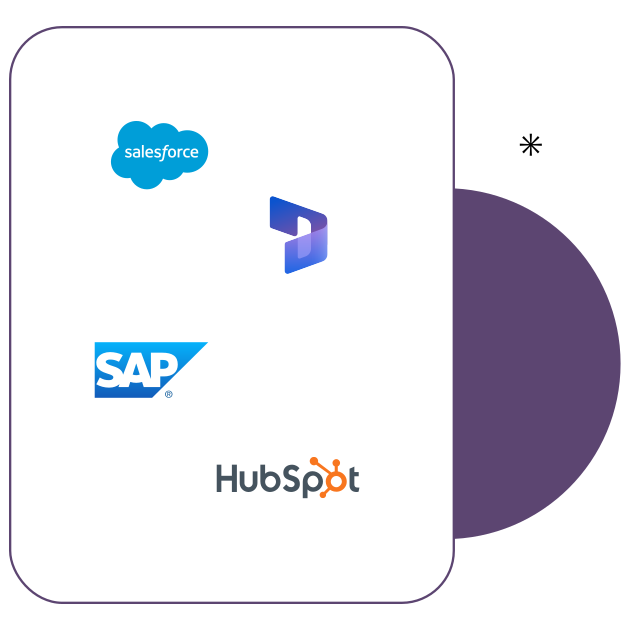
Integration with CRM systems and marketing automation.
Whether it is a CRM system or a marketing automation platform, DataAgents plays nicely with all the common ones.
A proven solution, real results.
More than 4,000 customers already rely on us. Read their success stories here.
Interested?
Book a DemoYou have questions? We have the answers.
We are happy to answer your questions one on one. Just book an appointment and get to know our solutions properly.
The price depends on the number of workflows. You will find the details on the DataAgents pricing page.
Both work. Many processes are covered by ready-made use cases from the library, and anything else our AI & Workflow Consultants build together with you.
Exclusively on AWS servers in Frankfurt, with no transfer outside the EU. DataAgents is operated in accordance with ISO 27001 and meets the requirements of the GDPR.
snapAddy supports you through the setup. Depending on how clear your picture of the workflow already is, it takes a few days or a few weeks.
As a rule it is a sales or RevOps project. Workflows are configured in the editor, without tying up IT resources on your side. Our AI & Workflow Consultants support you with getting started and with running DataAgents day to day.
More on workflow automation.

Blog post
Trade Shows in the Age of AI: Why Face-to-Face Connections Matter More Than Ever.
→
Expert Paper
Help! We Implemented a CRM, but No One Is Using It.
→
Success Story
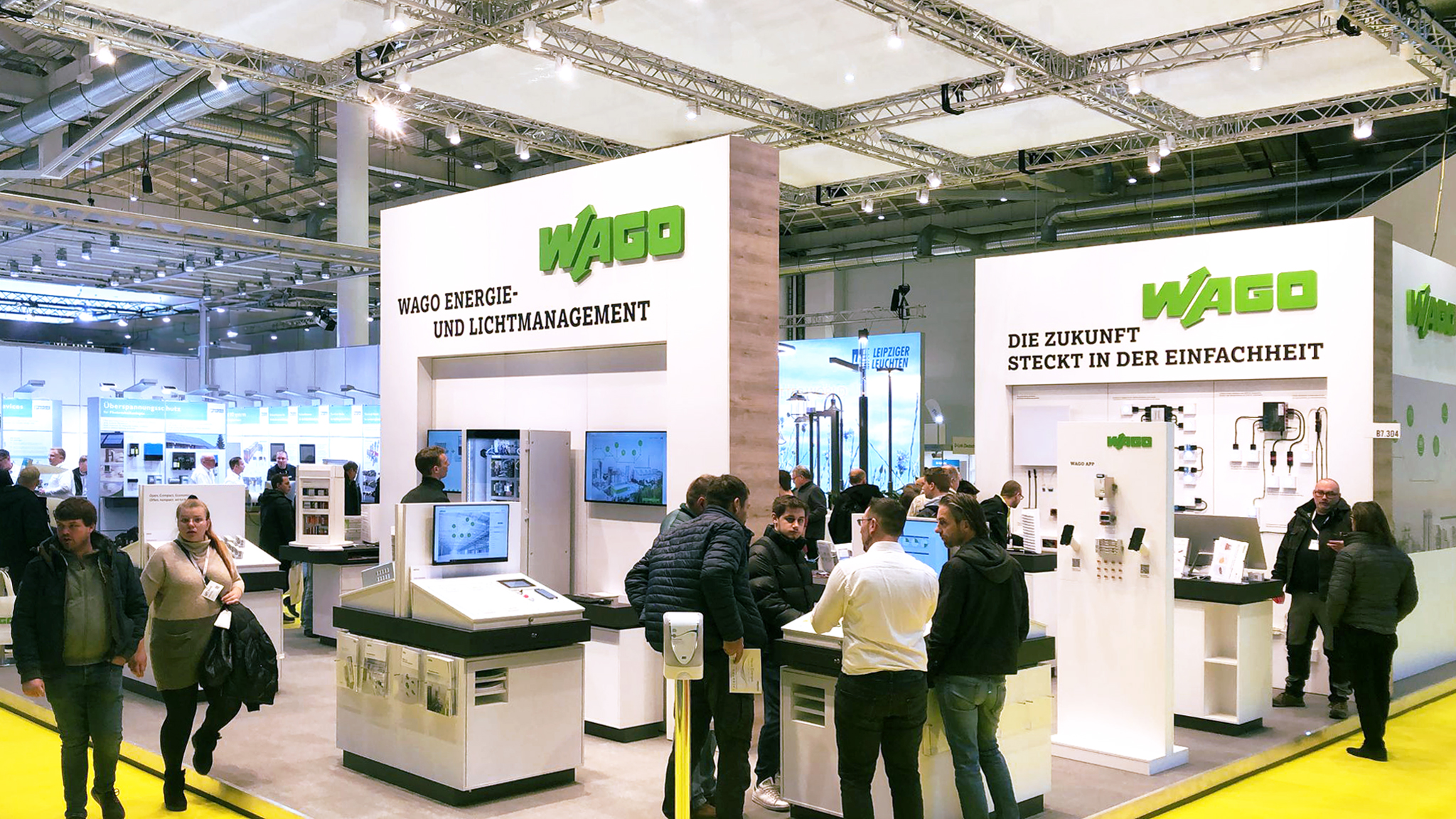
WAGO automates trade show leads in 18 countries.
→
Blog post
Why CRM Data Quality Is the Key to Reliable Automation.
→
Success Story
Blum digitalizes trade shows and field sales worldwide with snapAddy.
→
Blog post
Trust and AI in CRM: The Industry Is Doing the Math.
→
Success Story
Higher CRM data quality: snapAddy & OMICRON
→
Blog post
The webinar "Less admin, more pipeline" shows workflow automation in the CRM.
→
Success Story
In the end, it's a win-win situation for everyone.
→
Blog post
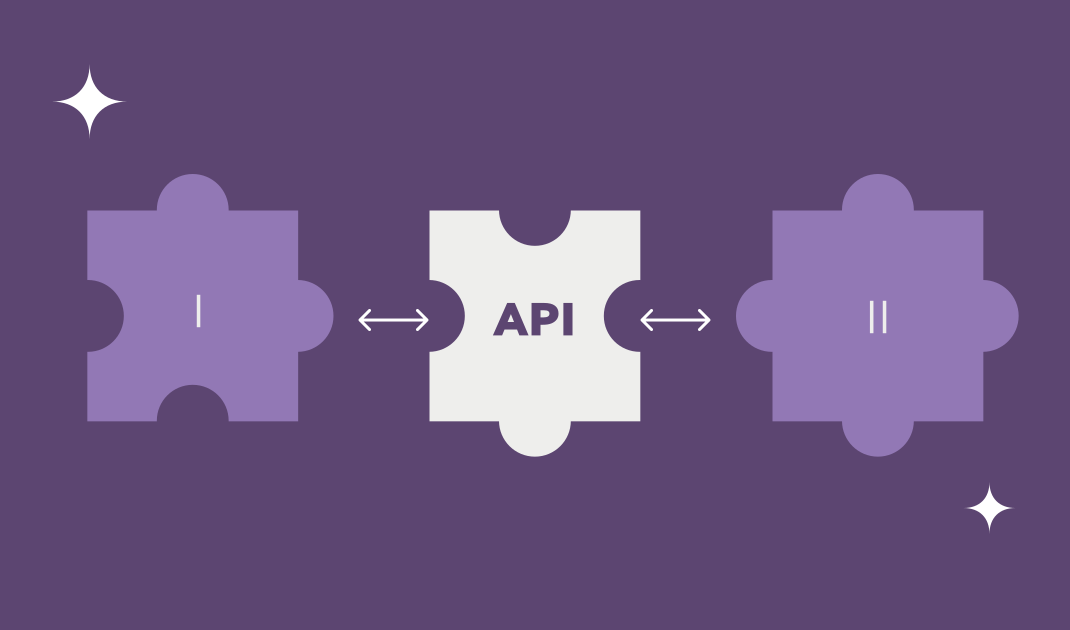
What is an API? Explained for Sales and Ops
→
Blog post
An Interview with Sebastian Metzger: Three Pitfalls in the AI Jungle.
→
Blog post
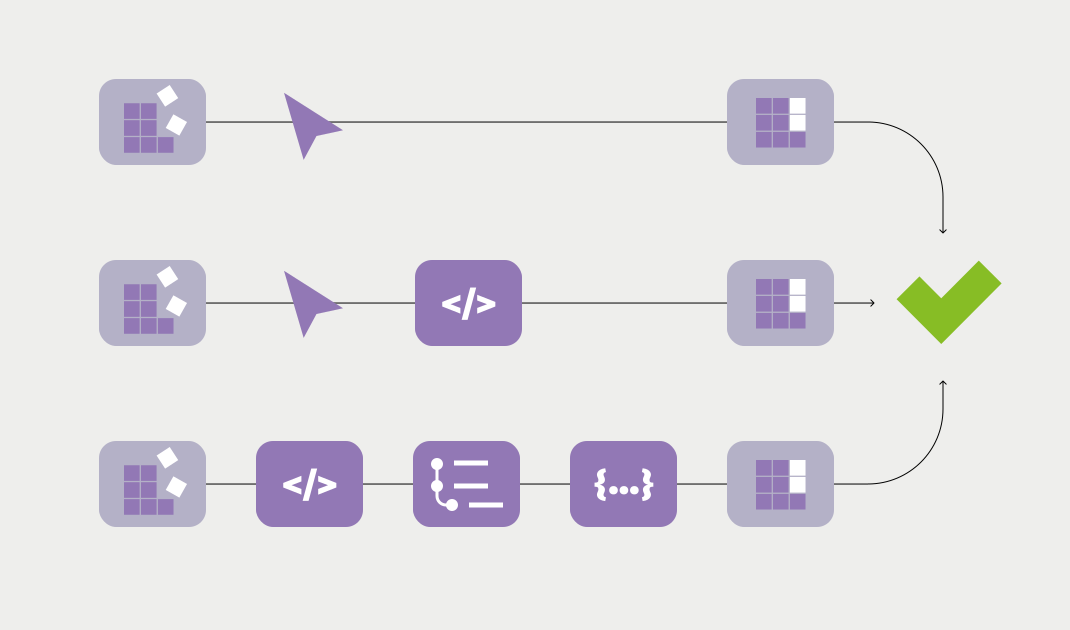
No-code, low-code, full-code: Which approach suits which team?
→
Blog post
What is Robotic Process Automation and where does it end?
→
Blog post
Scheduled Triggers: workflows that run at fixed times.
→
Blog post
AI agents in CRM: When they really pay off.
→
Blog post