[...] The customer support is quick and helpful. I’m completely satisfied with this app. Keep it up!

Apple App Store User
The card you pull out of your pocket is bent, and the phone number on it hasn't been right since the last reorg. A digital business card keeps your current contact information on hand for the moment you need it.
Turn your paper business card into a digital business card in seconds. Set it up once and it's always with you.

Update the contact information on your digital business card in a few clicks — no stack of outdated cards to throw away.

In the app or in your wallet: your digital business card is with you anywhere, anytime

Your whole team shows up with the same branding, managed centrally instead of cobbled together one card at a time.

Share your digital business card in seconds by QR code or NFC tap — the other person doesn't have to install anything.
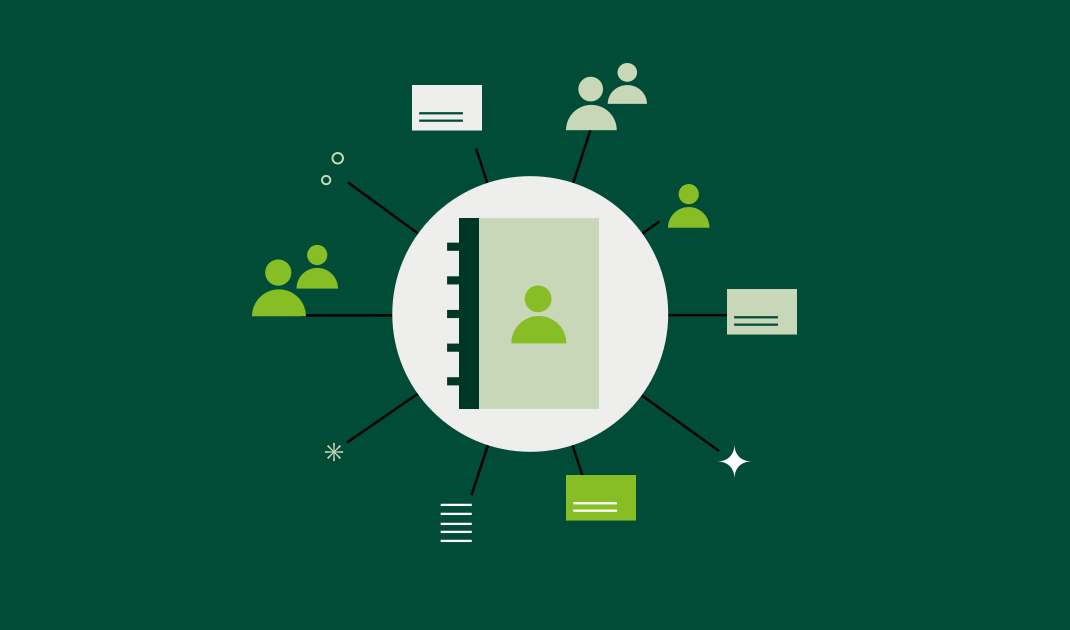
BusinessCards is the solution for digital business cards. One app lets you store and share your own contact information and use the business card scanner to capture someone else's — whether it comes from a paper, NFC, or digital business card.
BusinessCards is your single place to go for exchanging contact information.
:format(webp))
As a BusinessCards admin, you manage the on-brand card template centrally and make it available to the whole team. All existing contact information stays current automatically, and each person can add their own details on top. Tip: save the digital business card to your phone wallet for even faster access.

Pull out your phone, open your wallet or the BusinessCards app, and share your contact information digitally by QR code. The other person doesn't need the BusinessCards app — just a camera to scan the QR code

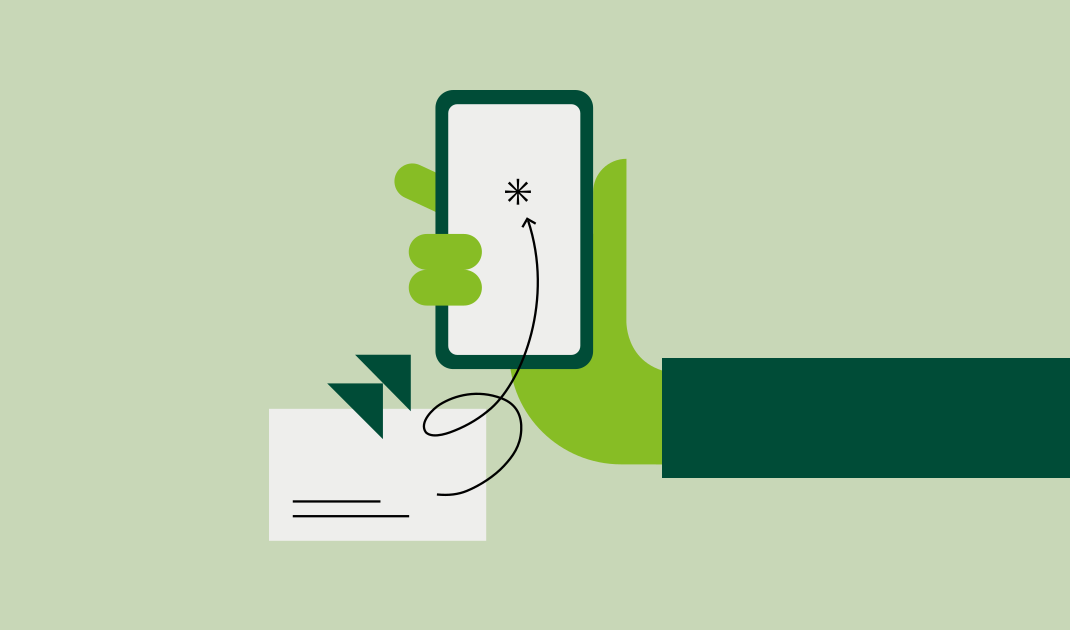
Scan the other person's business card with the BusinessCards app. Their contact information lands in digital form right away, with no typos

With BusinessCards Pro, you can connect your CRM system directly and write captured contact information into it automatically.
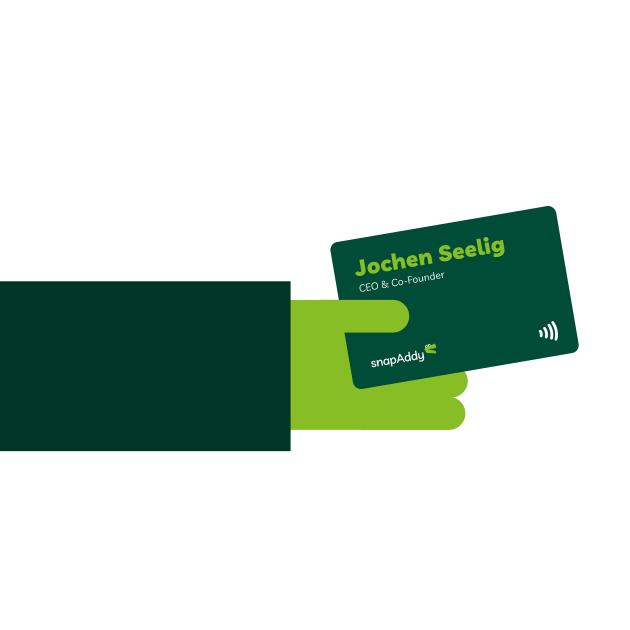
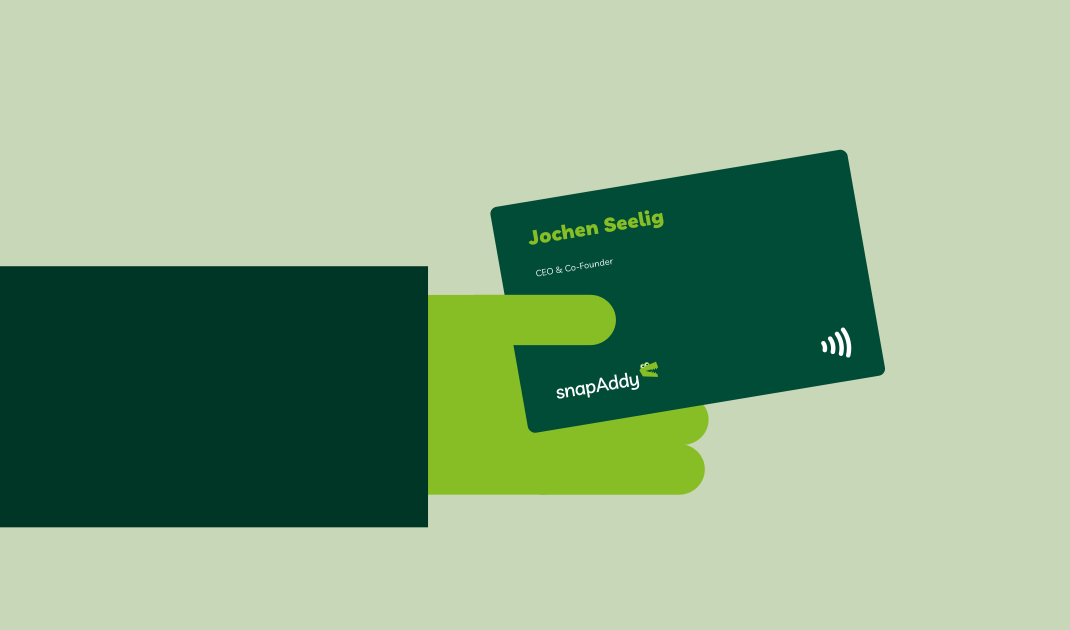
NFC business cards store your contact information digitally, so they never go out of date. And you don't have to give up the moment of handing a card over: you still pass someone a real card, they tap it against their phone, and your current contact information is saved digitally on the spot. That's how snapAddy's NFC business cards bridge paper and digital.
[...] The customer support is quick and helpful. I’m completely satisfied with this app. Keep it up!
The digital business card is very easy to create and can be shared in multiple ways. I also really like the sleek design, and there's a lot you can customize.
The app fully meets my expectations for a digital business card solution. The creation and management of the business cards is super easy and user-friendly. [...]
This app is a valuable tool in everyday business. The digital business card is easy to create and keep up-to-date, both in the app and via the web portal. I can easily integrate it into my workflow. [...]
Our robust and efficient IT security management is ISO 27001 certified and gives you the highest level of data security. Even companies with the strictest compliance requirements can be sure their data is protected in line with international security standards. All processes are also GDPR-compliant.
A trade show involves two different jobs: exchanging contact information spontaneously as you walk the floor, and capturing every visitor to your own booth in a structured way.

If you and your team exchange contact information while walking a trade show, BusinessCards is the right fit.
If you run your own trade show booth and want every visitor conversation documented, snapAddy VisitReport is the right choice.
Our latest awards from OMR Reviews and G2.
We're happy to go through your questions one on one. Just book a meeting and get to know our solutions better.
Just scan your current paper business card and snapAddy builds everything for you in the BusinessCards app: name, job title, contact details, company logo, and colors that match your brand. It's ready in 60 seconds and you can update it whenever you like. Or simply type in your details instead.
In central administration you set branding, logo, and colors once, and every employee automatically picks up the same look.
Yes, that's exactly the idea behind BusinessCards: your phone becomes your digital business card. Once it's set up, you save it in the BusinessCards app, in Apple Wallet or Google Wallet, or as a contact in your phone's address book. That keeps it on hand at all times and available without an internet connection, which is ideal on the go.
The easiest way to share your digital business card with BusinessCards is a QR code in the app, or by adding your card to Apple Wallet or Google Wallet. You can also send the card other ways, for example by email, WhatsApp, or other messaging apps
No. The card can be shared by QR code or NFC tap, so all the other person needs is a device with a camera (phone, tablet, and so on).
Scanned contacts can be exported straight into your CRM system, free of duplicates.
The card is updated centrally — no reprint, and no need for the employee to remember to do it. Anyone who received your contact information earlier sees the new details the next time they open it.