BusinessCards or VisitReport: Which product is right for you?

Two apps, one purpose: capture contacts digitally instead of letting them gather dust on paper or in Excel lists. Even so, BusinessCards and VisitReport solve different problems. If you know both names but are not quite sure where the boundary lies, it is hard to choose the right solution for your team.
This article explains what each product does, where they overlap, and when each one is worth using.
BusinessCards: the everyday contact app.
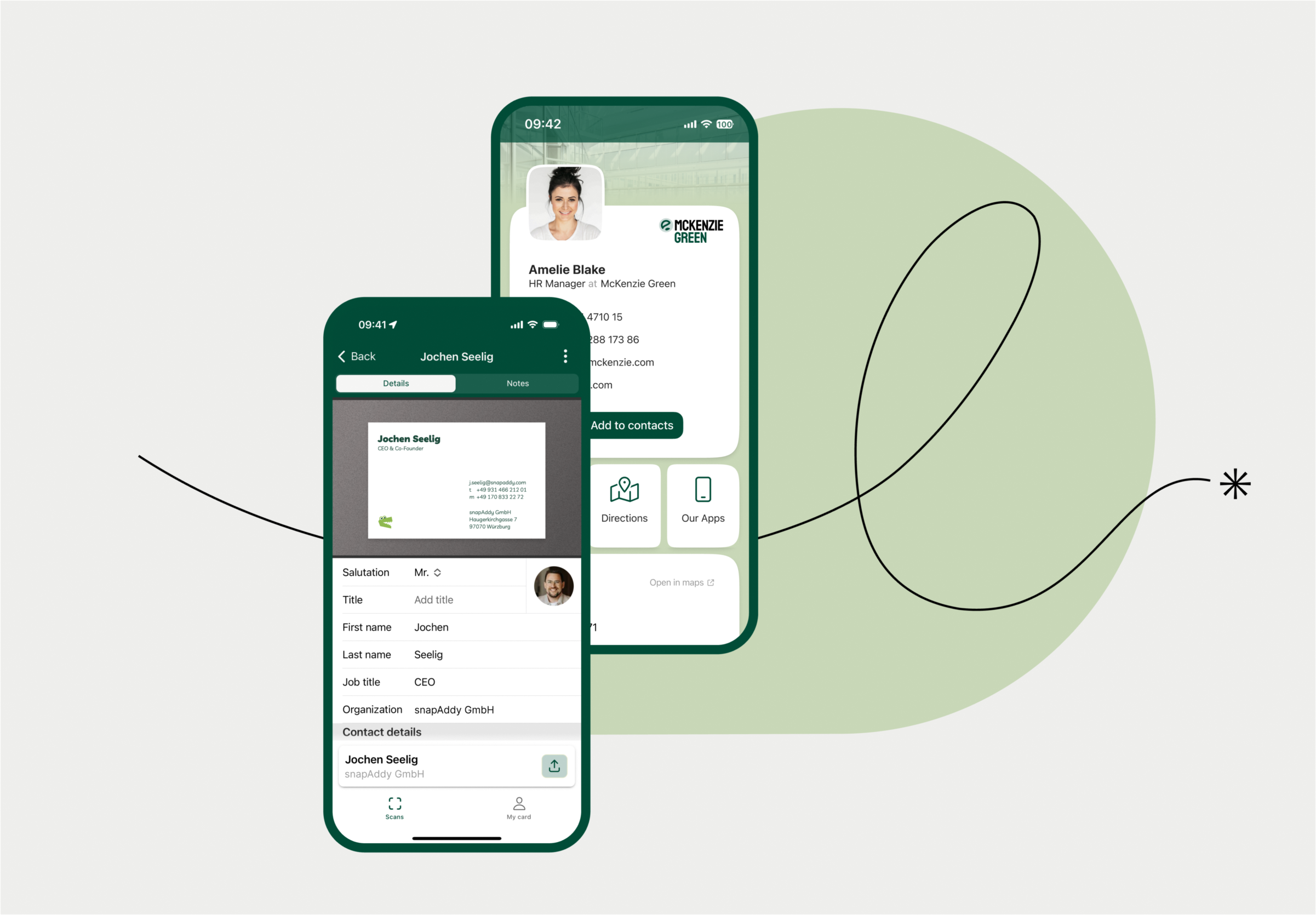
BusinessCards is built for the moment when two people shake hands and then want to know how to stay in touch. The app scans business cards, digitizes your own contact information for sharing, and keeps every business contact in one place.
If you meet new contacts regularly — in sales, at networking events, or in day-to-day business — you use BusinessCards so that you never have to type out a business card again and never lose a contact. Contact information updates and mutual sharing keep your network current without anyone maintaining it by hand.
It gets really practical when both sides swap details: if someone scans the QR code on your digital business card, you exchange contact information in a single step.
BusinessCards comes in three license tiers:
- Free: business card scan, up to 20 a day; sharing digital business cards; contact information updates; mutual exchange.
- Team: plus business card management across the team.
- Pro: plus unlimited scanning, CRM export, and your own contact lists.
CRM export is therefore available only with the Pro license. You will find the exact terms on the BusinessCards pricing page.
VisitReport: the lead app for trade shows and field sales.
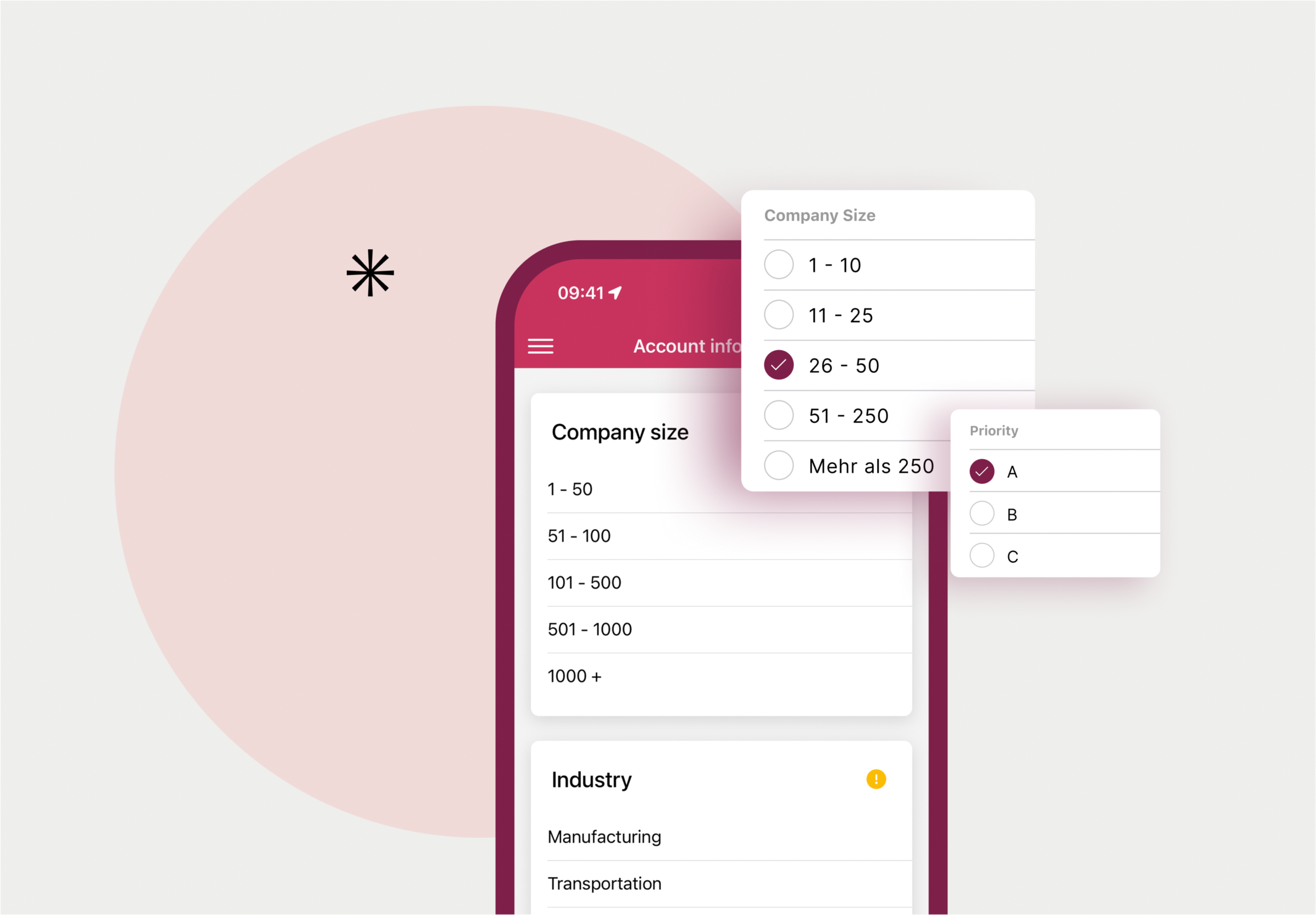
VisitReport comes in one step later. It is no longer just about the contact itself, but about what was said in the conversation and what happens with it afterward. At trade shows, in field sales, or during customer appointments, VisitReport documents conversations, captures leads in a structured way, and hands them straight to the CRM system, ready for follow-up.
The difference lies in how deep the capture goes. VisitReport reads not only business cards but also badges and existing CRM data, enriches them, and links them to individual conversation reports rather than plain contact information. AI-powered speech recognition (Voice AI in VisitReport) captures what is said in the conversation, a dashboard analyzes every contact you capture, and personalized follow-up emails go out automatically based on the conversation report. On top of that comes trade show management with a media library, team coordination, and an Info Center.
VisitReport licenses differ by team size: the direct-booking model covers individual users and small teams of up to ten people with the full feature set, while an enterprise solution serves larger teams from about ten users up, with an individual licensing model, a dedicated account manager, and CRM mapping included. Current terms are listed on the VisitReport pricing page.
The difference in detail.
Both products share the same foundation: business card scanning, sharing digital business cards, and CRM export are part of the feature set in BusinessCards Pro just as they are in VisitReport. From there, their paths diverge sharply.
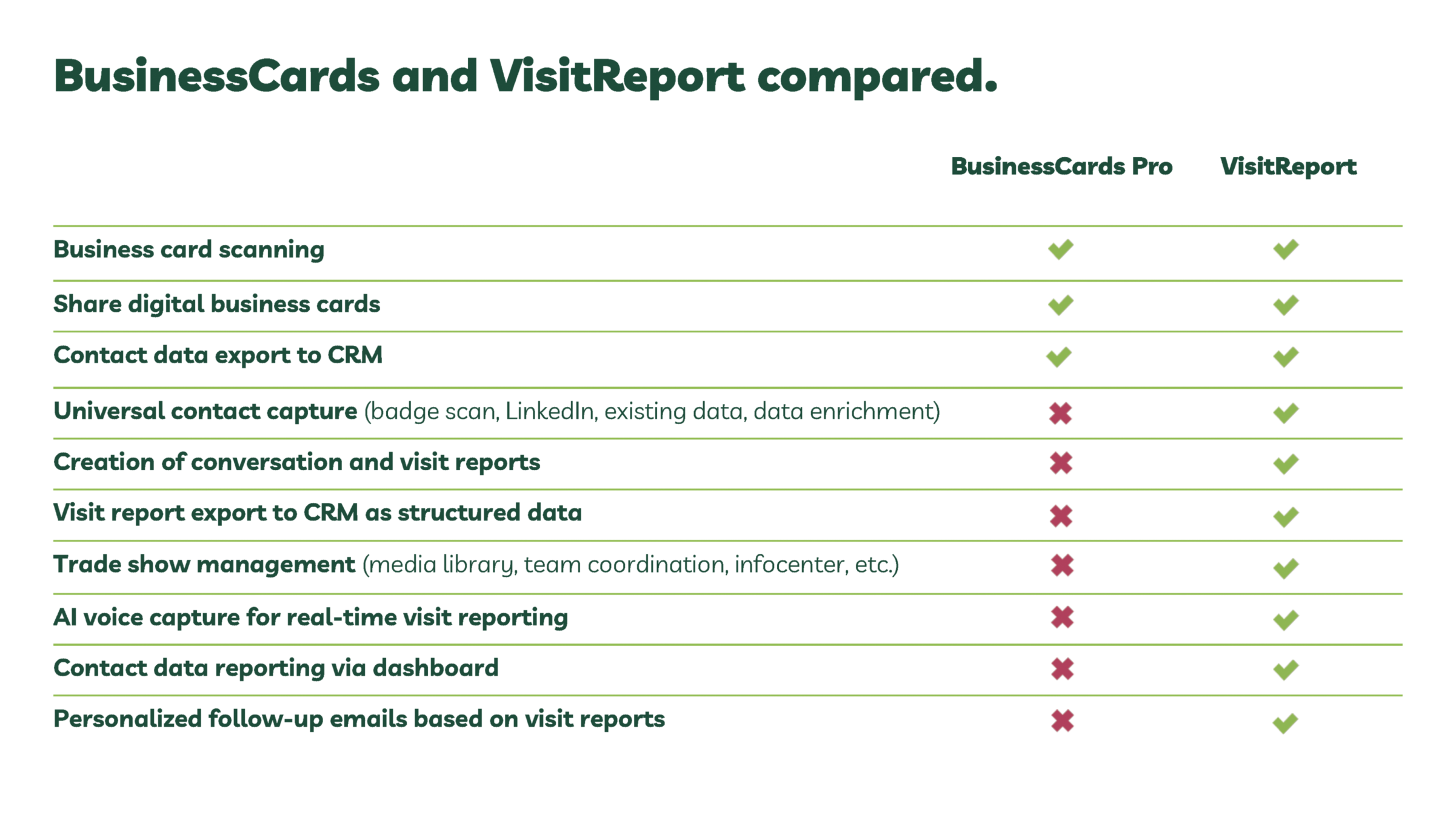
The table makes it obvious: everything to do with analyzing conversations (individual conversation reports, structured export into the CRM, speech recognition, reporting, automated follow-up emails) is reserved for VisitReport.
BusinessCards deliberately stays lean and focused on contact management and networking.
So which product is right for you?
BusinessCards is the right choice if:
- You meet new contacts every day and want to share and capture them digitally.
- You never want to type out or lose a business card again.
- You want to keep an overview of your network, on your own or as a team.
VisitReport is the right choice if:
- Your team documents a lot of conversations at trade shows or in field sales.
- You want to analyze all your leads in one place and move them into the CRM without effort.
- You want to act on sales opportunities right after the conversation instead of reconstructing your notes from memory.
In practice, the two products do not rule each other out. Many teams use BusinessCards for everyday networking and switch to VisitReport for trade shows and bigger sales appointments, when capturing contacts alone is no longer enough.
Still unsure which product fits your team? Book a no-obligation demo and see both solutions in action.
The essentials at a glance:
- BusinessCards digitizes contact information for everyday use: scanning, sharing, updating.
- CRM export in BusinessCards is reserved for the Pro license and is not included in Free or Team.
- VisitReport goes further: it also captures what was said in the conversation, analyzes it, and hands it to the CRM in structured form.
- Trade show management, AI speech recognition, and automated follow-up emails are available only in VisitReport.
- If you just collect contacts, BusinessCards is enough. If you want to turn conversations into workable leads, you need VisitReport.