Lead Scoring in VisitReport: Your Hottest Leads, Ranked Automatically.
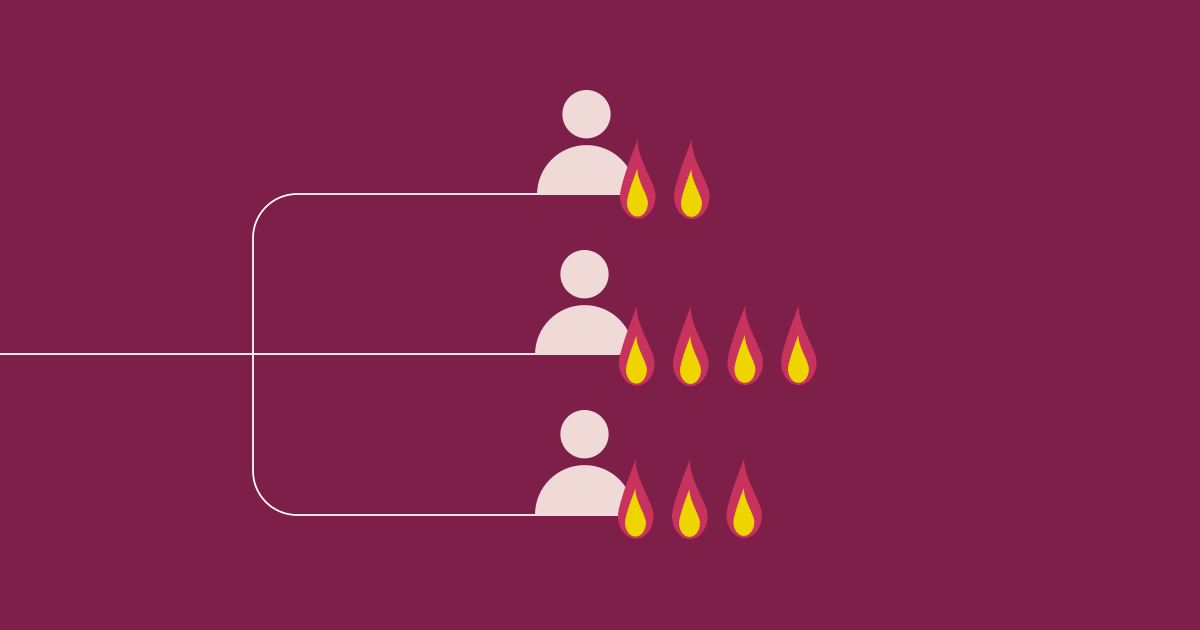
The trade show is over. Your team had countless conversations, documented everything properly, and pushed all data to the CRM. Now every salesperson is sitting on a stack of new leads and is supposed to follow up with the most important ones immediately, before the usual workload crowds in and the momentum from the event fades. Without a way to prioritize, that becomes a guessing game. With lead scoring in VisitReport, it doesn't have to be.
VisitReport is software for trade show and field sales teams that captures conversations, qualifies contacts, and transfers them directly to your CRM. After an event, all conversation reports come together in a single overview. That's where something new has been added.
What’s new exactly?
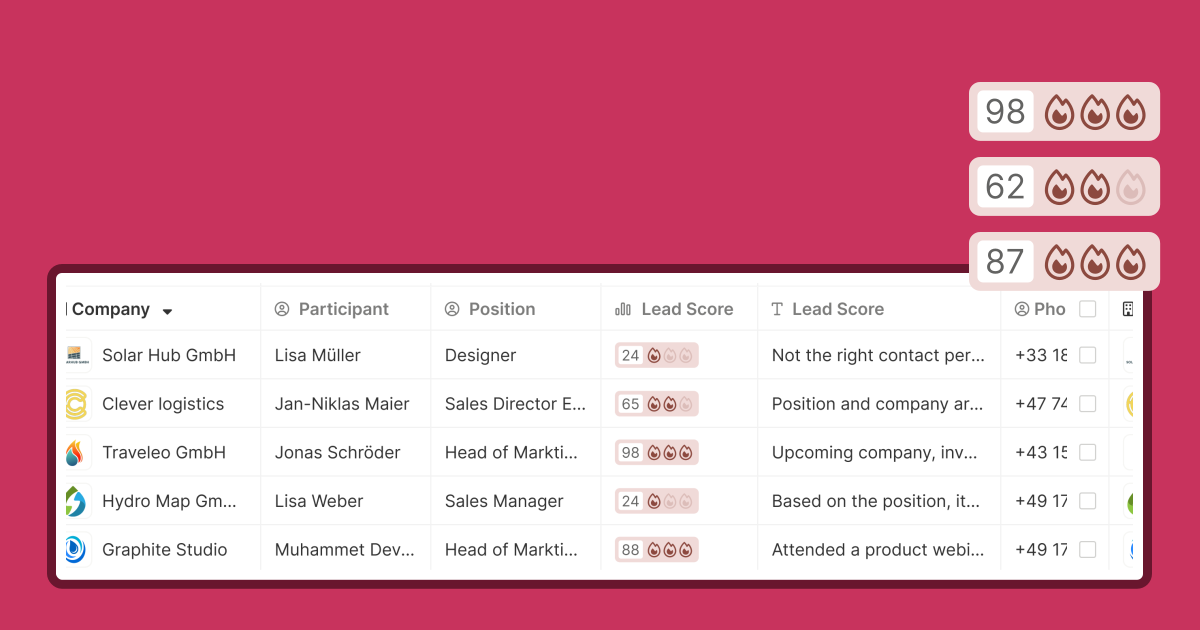
Two new columns: a Lead Score and a summary text. The score runs from 0 to 100 and comes with a flame indicator that helps when you're scanning quickly. The text gives whoever picks up a lead enough context for a sensible first follow-up, even without having been on site. What it says is up to you: the content is freely configurable, and you can have AI generate it.
Both fields are filled automatically as soon as a report is completed. Behind that sits a workflow in snapAddy DataAgents, our automation product, which comes as an add-on to VisitReport.
How the automation works.
When a report is completed, the workflow starts. It reads the answers from the questionnaire, calculates the score based on the criteria you have defined, and writes the result into both columns.
AI is optional: it can interpret the answers and write the summary text. For that to produce anything useful, the AI needs context, meaning information about your company, your target customers, and your scoring criteria.
If you haven't built your own automation yet, you can start from a ready-made template in the workflow library. The templates show typical scoring approaches and can be adapted to your own questionnaire.
No fixed template.
Many scoring systems work with rigid criteria that rarely fit the sales process you actually run. Here, every company defines its own scoring logic.
What makes a good lead? Does the company match your target profile? Does the contact have decision-making authority? Were specific interests mentioned? That weighting is yours. You set it in the workflow, and the point scheme hangs on the questions in the questionnaire your team fills out on site anyway.
Two companies in the same industry can arrive at completely different scoring logic, and both can be right. The Lead Score doesn't represent a universal truth, it represents your sales priorities.
The more structured the questionnaire, the more precise the score. If you deliberately include questions that feed your qualification criteria, on purchase intent, budget, or fit with your product portfolio, you give the automation a solid data basis. A vague questionnaire produces a vague score. So if you're planning to introduce lead scoring, design the questionnaire for it from the start.
What changes in day-to-day sales work.
Without lead scoring, prioritization after an event usually comes down to gut feeling, or to whatever order reports happen to get scrolled through. Neither is a reliable foundation.
With a well-built setup, the team can see immediately after the trade show day where follow-up is most urgent. The summary text gives colleagues who weren't on site enough context to continue the conversation effectively. And because the score is absolute rather than relative to other leads from the same event, it stays comparable across different trade shows and teams.
What your lead scoring ends up looking like depends on your questionnaire and on the criteria that matter to you. In a short demo, we'll walk through both: the questionnaire and the DataAgents workflow behind it. And if VisitReport isn't in use at your company yet, you can test it for free.
The essentials at a glance:
- VisitReport now shows a lead score (0–100, with flame visualization) and a short summary text in the report overview.
- Scoring starts automatically as soon as a report is complete.
- Each company defines its own scoring logic – directly linked to its own conversation guide.
- AI can optionally generate the explanatory text.
- The score is absolute, so it stays comparable across events and teams.